
en:xml_direct:alustamine:autentimine
Table of Contents
Authentication
The interface allows creating multiple API keys (tokens) to give secure access to several partners; each key may access only selected components.
Where to find the API key (token)
A user with SUPER rights finds the key as follows:
- Open the employee card the key was created for (e.g.
XML)
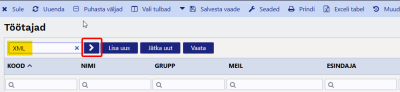
- Go to the
Admintab
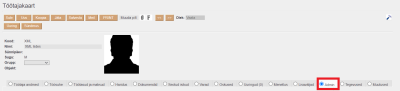
- Go to the
XML interfacessection - On the relevant interface row, click
 to reveal the key


Usage
The token is sent via POST in the variable token (form/urlencoded). It replaces the legacy appkey + database name.
Errors
- Invalid/missing token:
<result type=“5” desc=“Unauthorized”/> - Variable
tokenmissing:<err>token required</err>
The token is a secret equivalent to a password – never put it in URLs, logs or version control.
en/xml_direct/alustamine/autentimine.txt · Last modified: 2026/08/21 10:08 by 127.0.0.1